Organisers
Record an incident
Write down what happened at an event, which car was involved and what was done, then correct the record later without losing its history.
An incident record is the club's own note of something that happened at an event: a crash, an injury, a dispute, a near miss. Incidents can describe injuries, so only people with permission to manage results (the owner, an event secretary or a steward) can see, record or correct them. Other members do not see the "Incidents" menu at all. See Members and roles.
Record an incident
- Open the event and choose "Incidents" from "Everything for this event" on the event dashboard.
- Scroll to "Record an incident".
- Set "When". The label shows the event's time zone, and the time cannot be in the future.
- Enter "Where" if you want to: a stage, a corner or the paddock.
- Describe it in "What happened". It needs at least a few words. Only officials with access to results can read it.
- If a car was involved, pick it in "Car or entry, if any". Otherwise leave it alone.
- Add "Action taken" if you have something to record, such as a marshal sent, a stage stopped or a protest raised.
- Choose "Record incident".
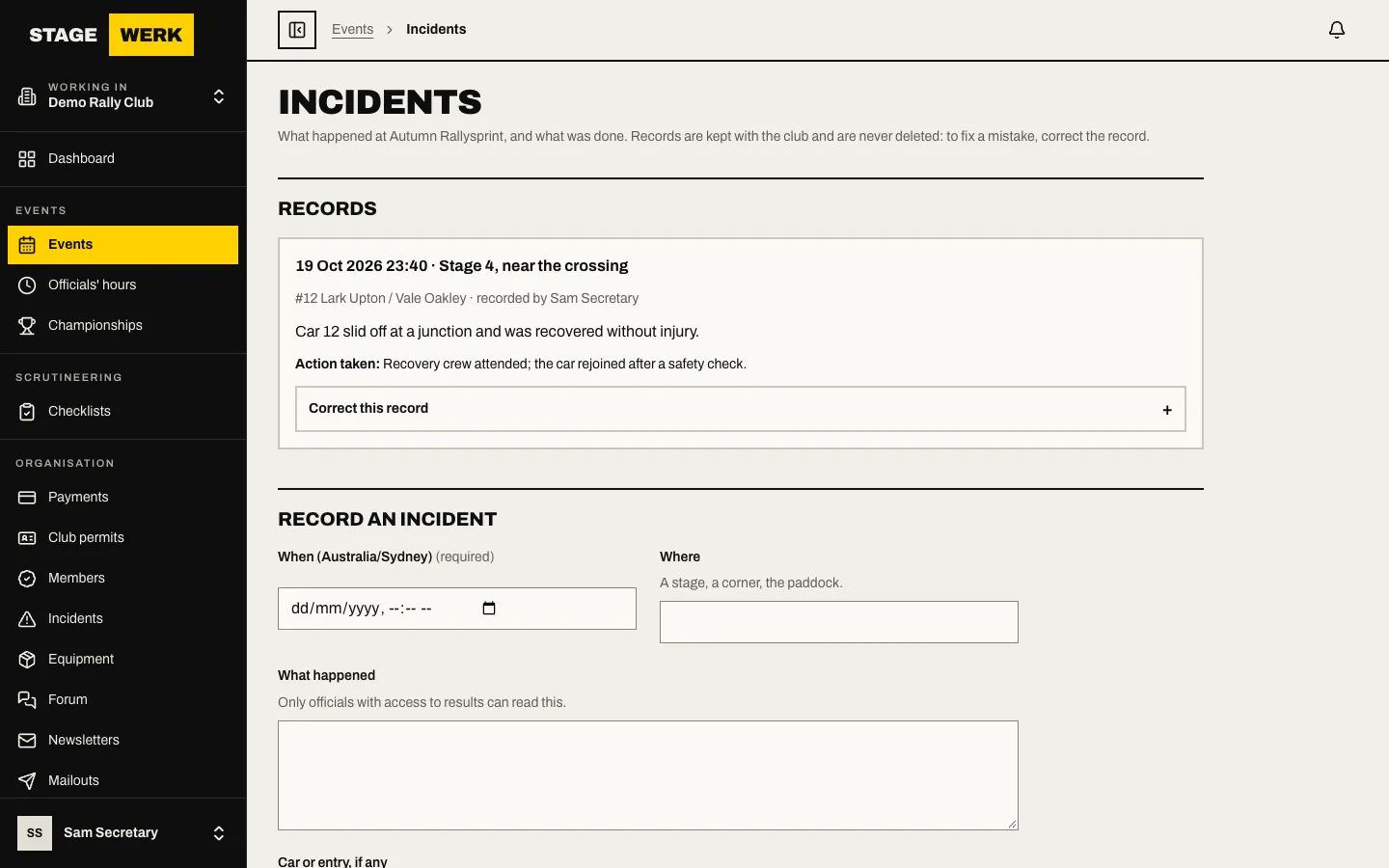
The record appears under "Records" with the time, place, who recorded it and the car.
Correct a record
Records are never deleted, because the club's history has to stay complete. To fix a mistake, correct it.
- Find the record under "Records" and open "Correct this record".
- Change what is wrong and choose "Save correction".
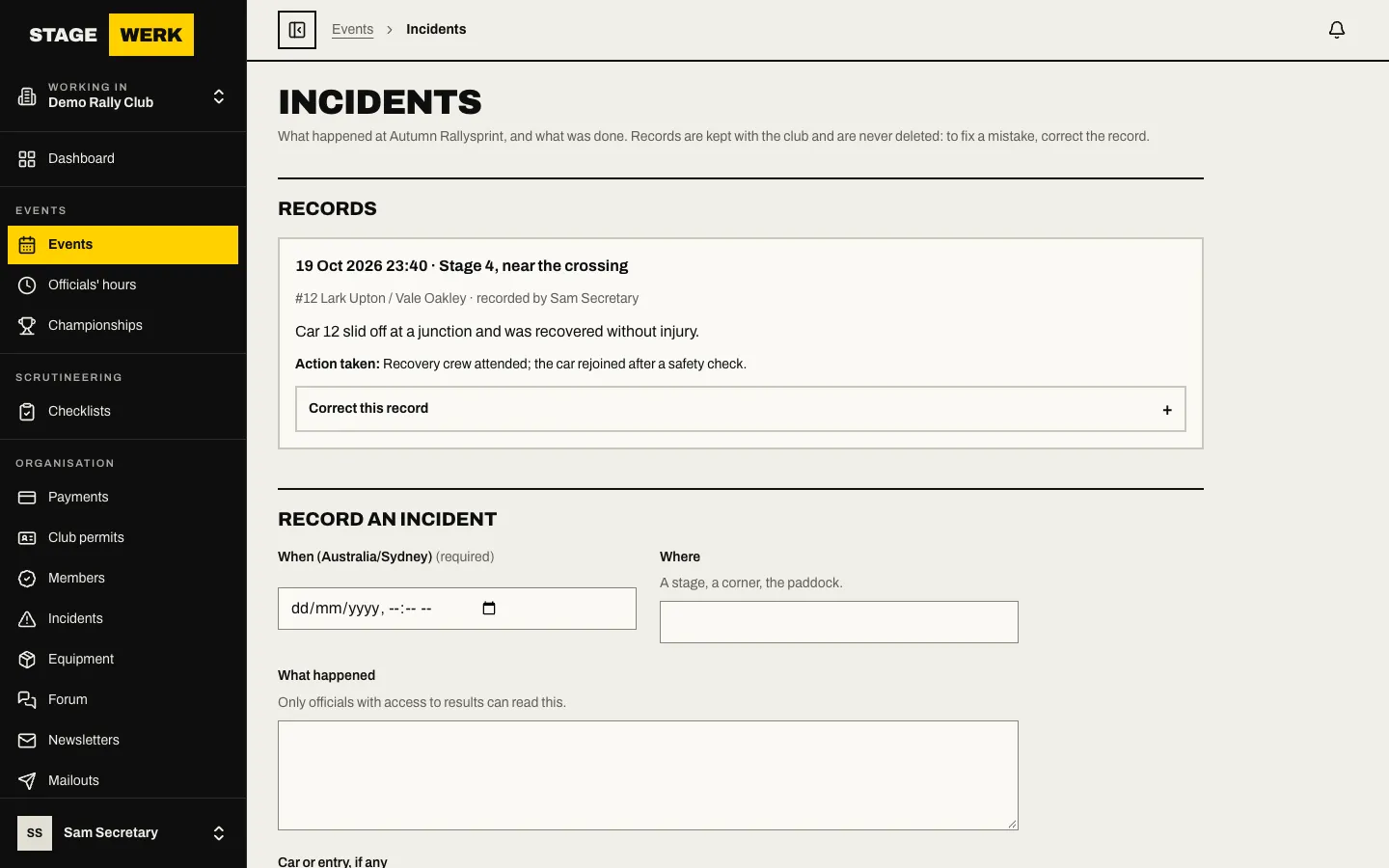
A corrected record is marked "corrected", and the change is written to the audit log. The person who first recorded it stays as the recorder.
See the club's history
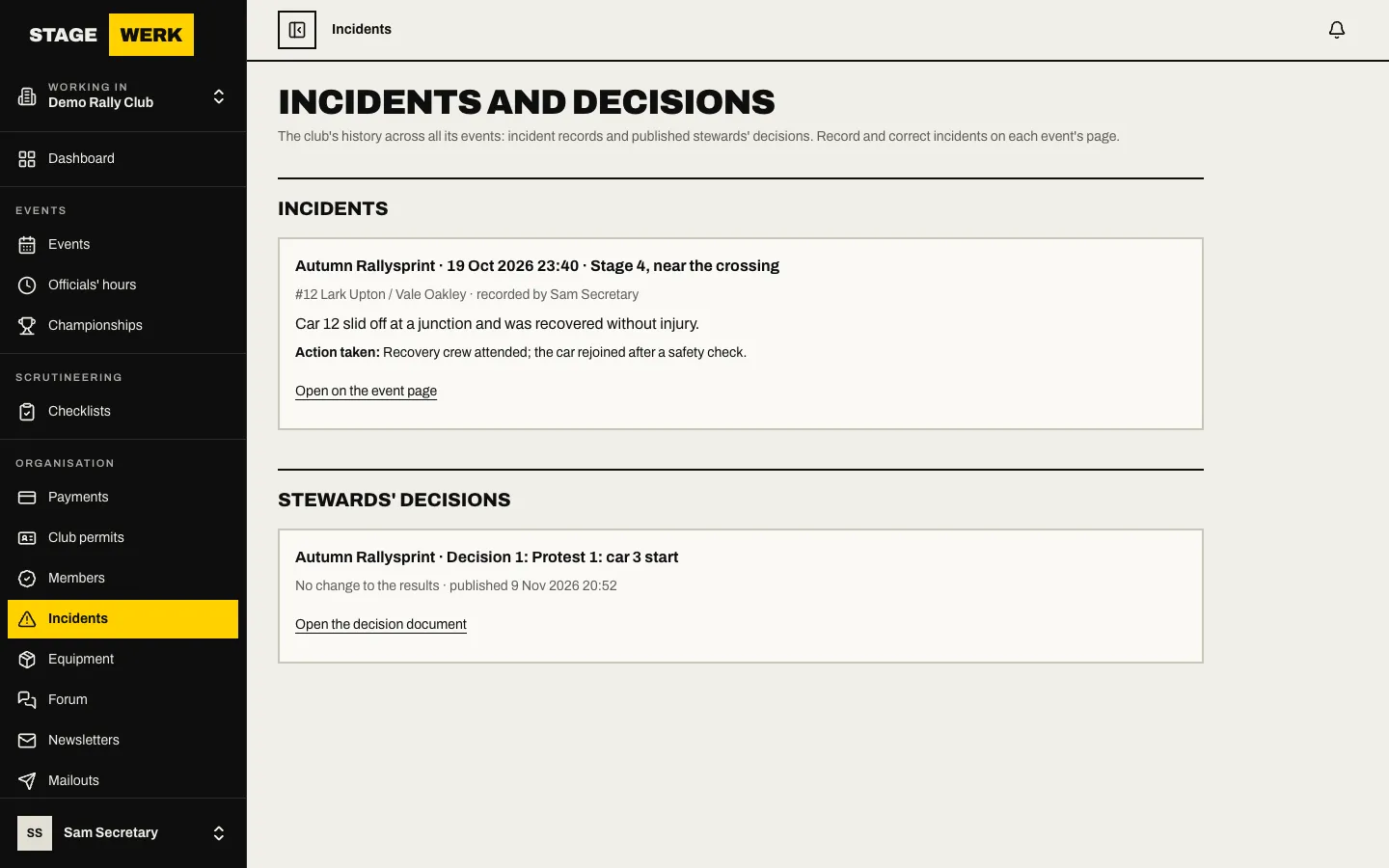
Choose "Incidents" in the organiser's sidebar to open "Incidents and decisions". It lists incidents across every event, and below it the published stewards' decisions from protests. You cannot record from this page: open the event for that.
Good to know
- An incident record is separate from a protest. If a protest follows, it is handled on the event's protests page, and the published decision appears in "Stewards' decisions".
- Entrants cannot see incident records.