Features
Events and event setup
You build the event once. Everything else (entries, fees, documents, the print pack and the public page) reads from that record.

Section 01 of 03
What it does
Formats that match the sport
Rally, rallysprint, hillclimb, heats, multi-day events and repeated runs all work from the same event record. Save an event as a template or clone last year’s to start from a known setup.
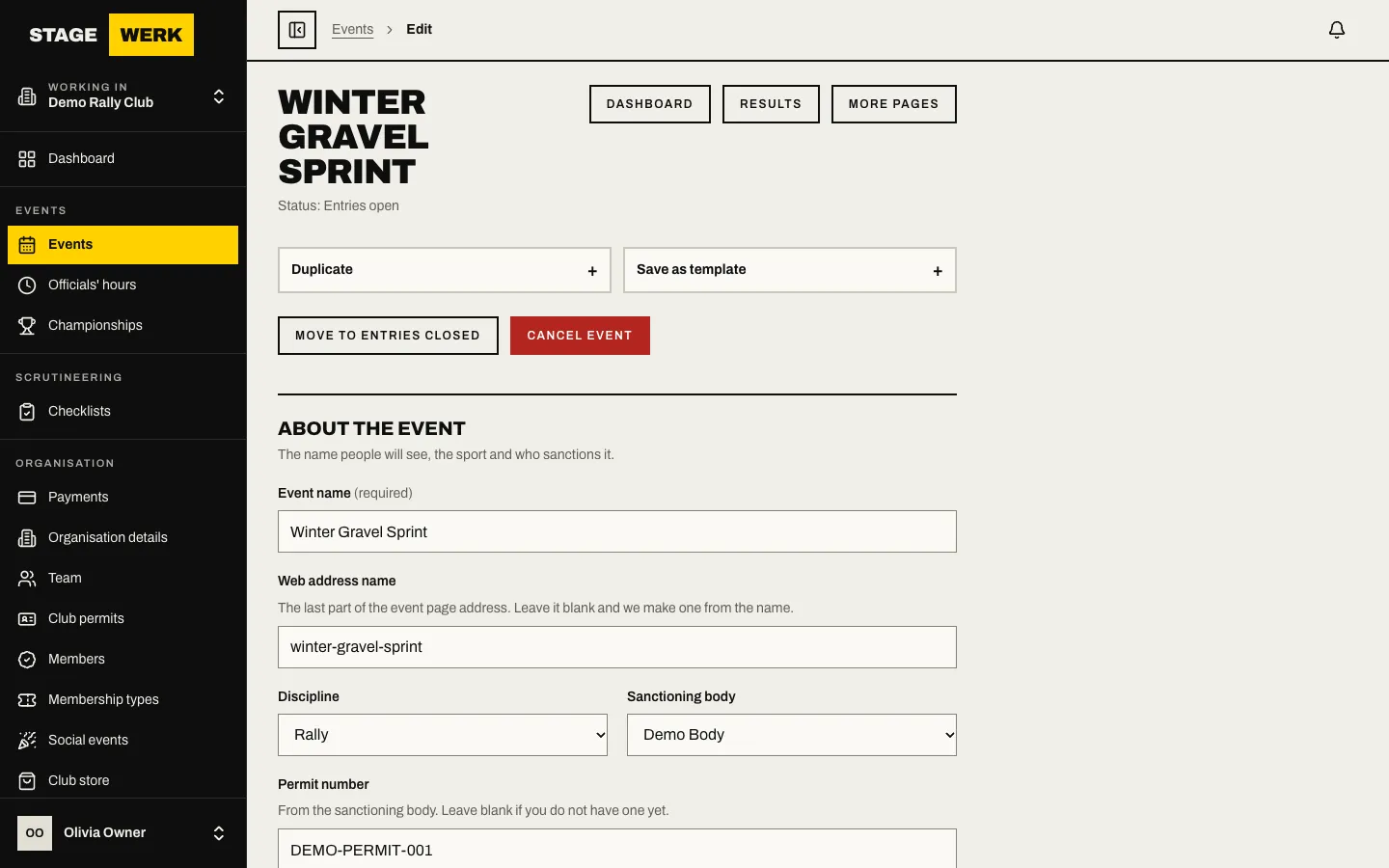
The event edit page with a winter gravel sprint filled in 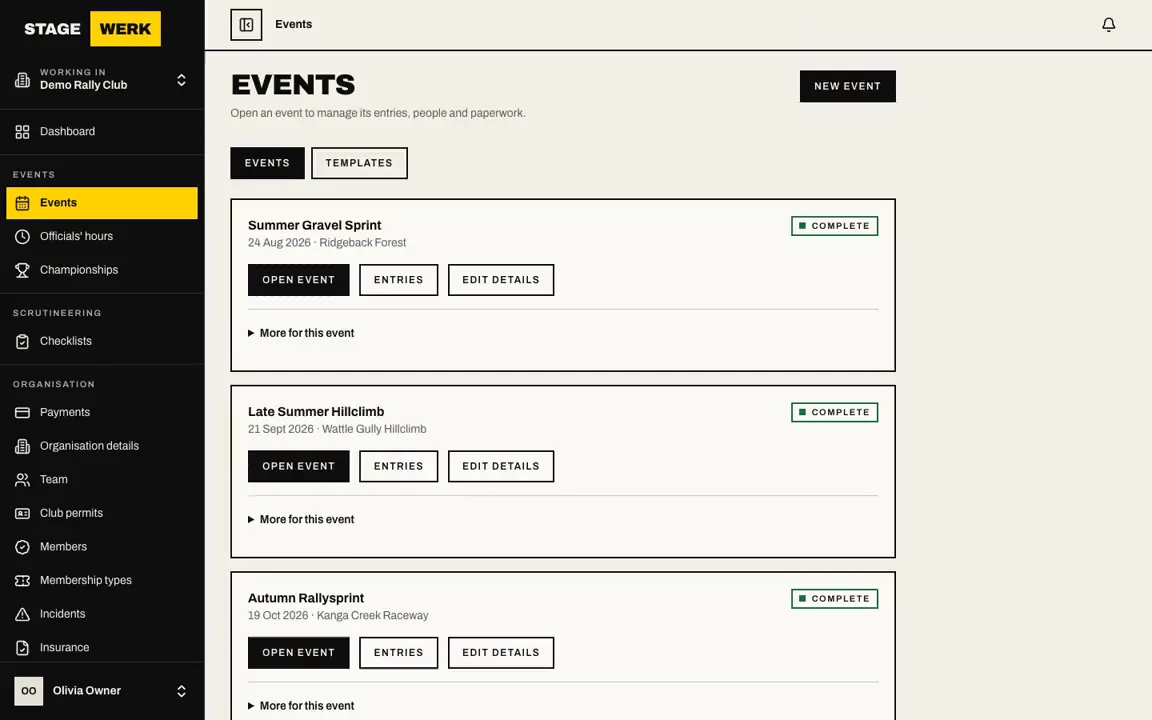
Creating an event from the Events page Itinerary, locations and contacts
Lay out stages, service parks and regroups, then add locations with a map, contacts, accommodation links and lead-up sessions.
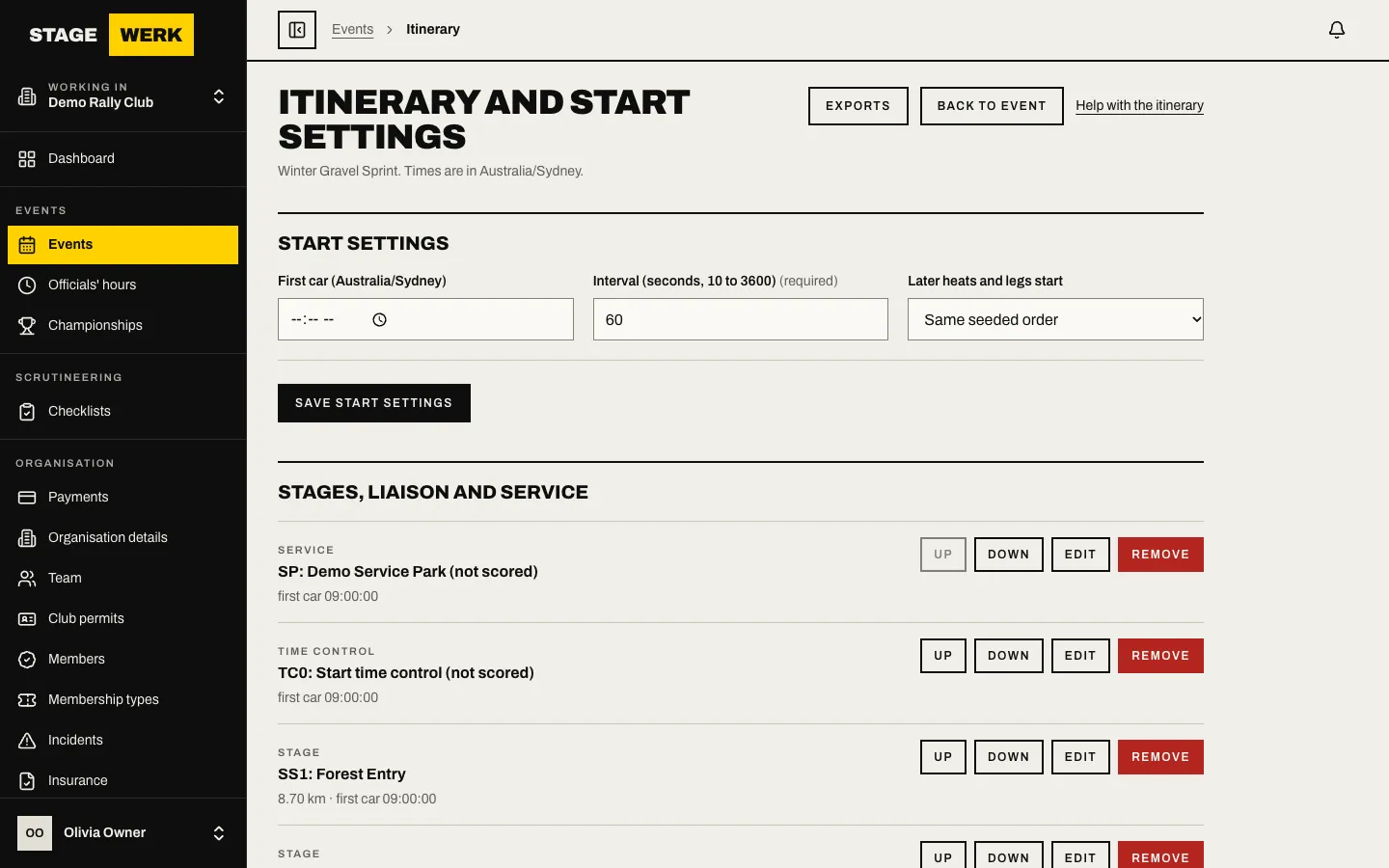
An itinerary of eight stages with a service park Classes, capacity and the waitlist
Set a cap for each class. When a class is full, new entries join a waitlist, and an offered place is held for a short time before it passes to the next crew.
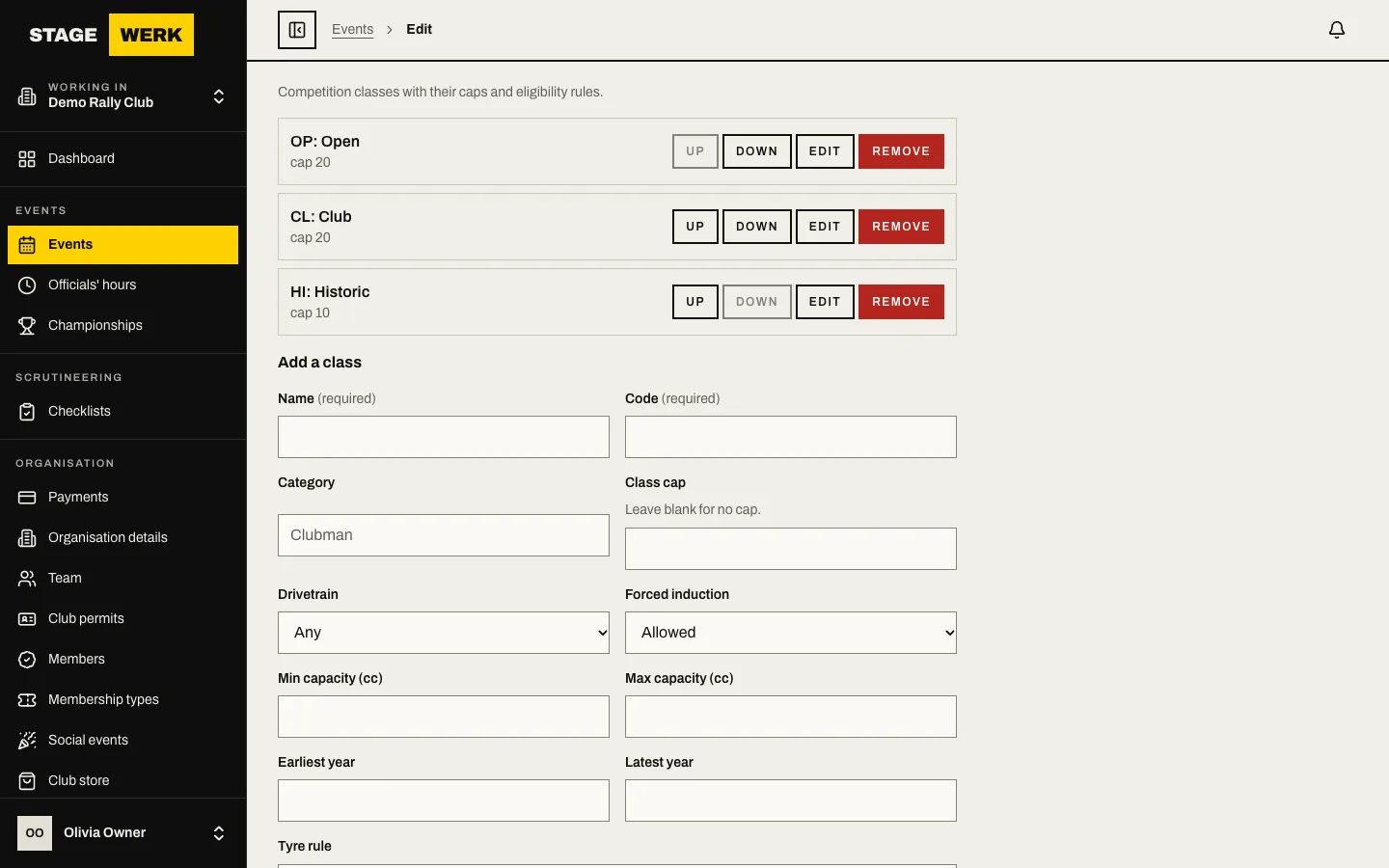
The classes tab with capacity bars Fees, withdrawals and supplementary regulations
Set fee windows and member prices, a withdrawal policy and your supplementary regulations from a generator, then issue them to entrants.
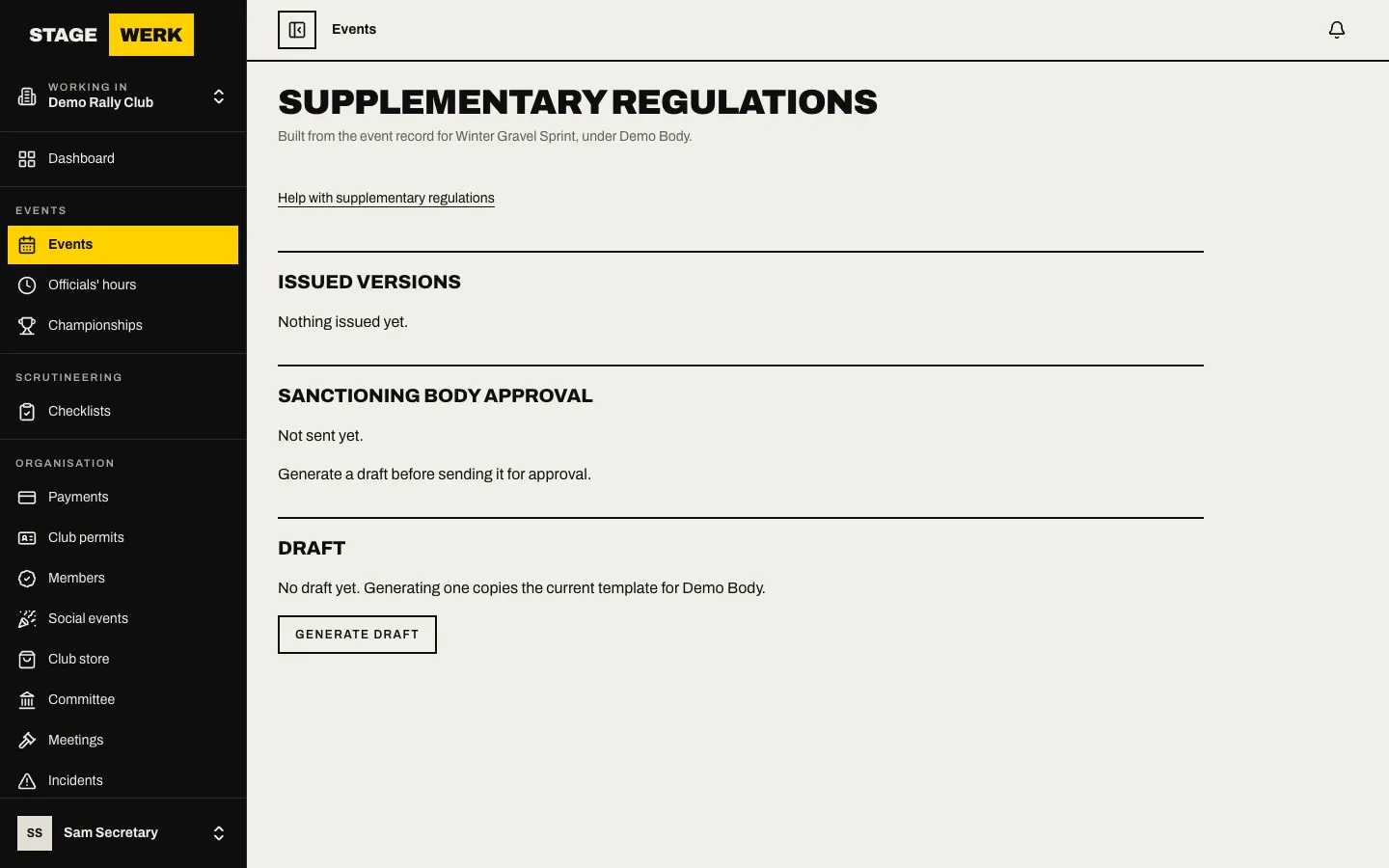
A preview of generated supplementary regulations A dashboard that shows what needs doing
See entries over time, fees quoted and how many requirements are complete, and run a readiness check across all your events. The print pack is ready when you are.
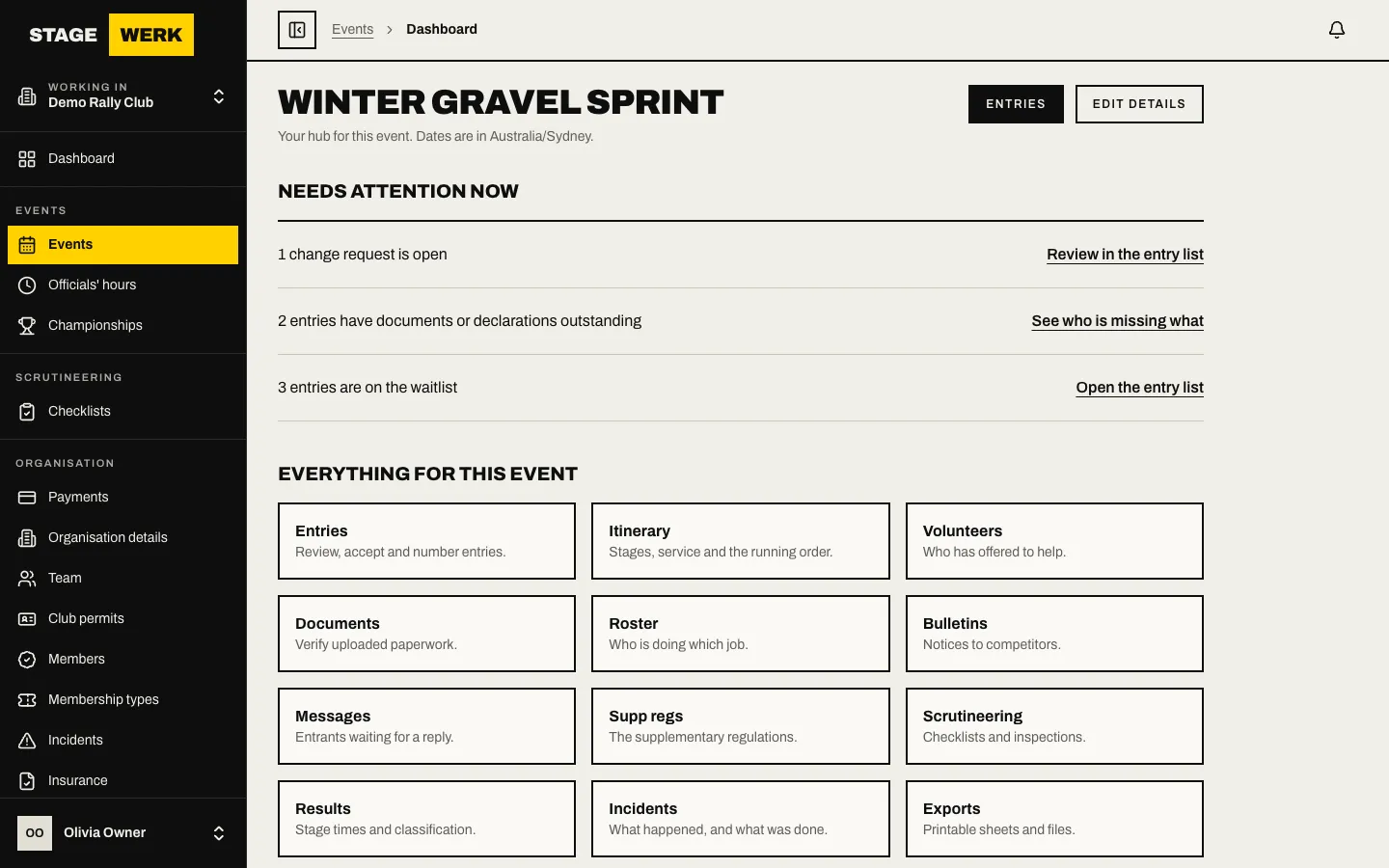
The event dashboard with an entries chart
Section 02 of 03