Getting started as a club member
If your club sells memberships through Stagewerk, a current membership gives you the member price on event fees that have one. You need an account first. See Create an account and sign in.
Join
- Open the club's join page from the link the club gave you, or follow the prompt on the payment step of an entry when a fee has a member price.
- Choose the type that suits you and choose "Join as" that type.
- Pay on the next page.
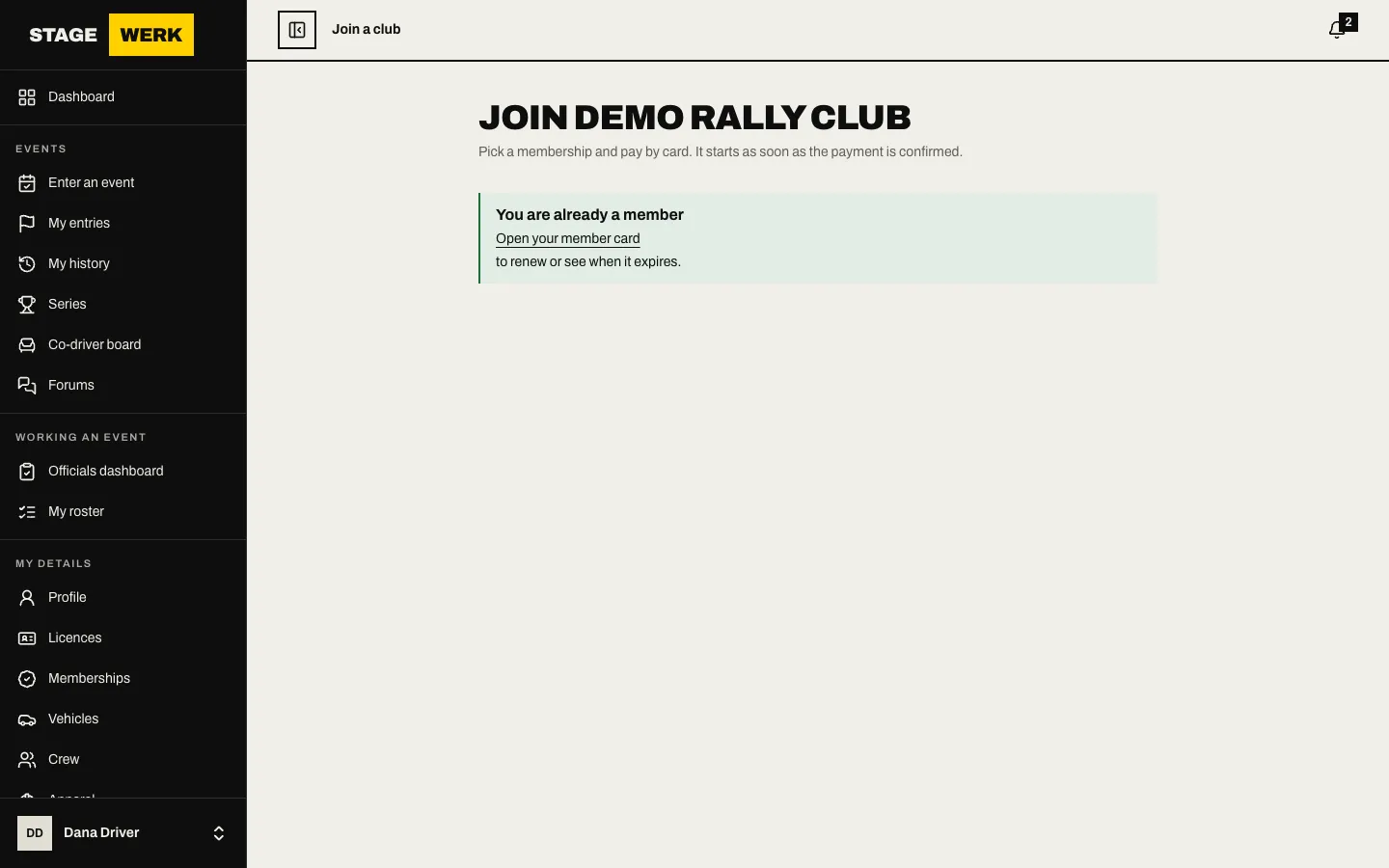
Your membership stays pending until the payment is confirmed. The member price applies only after that. The full steps, including family memberships, are in Join a club and renew your membership.
Find your card and invoices
- Choose "Memberships" in the sidebar.
- Open your membership.
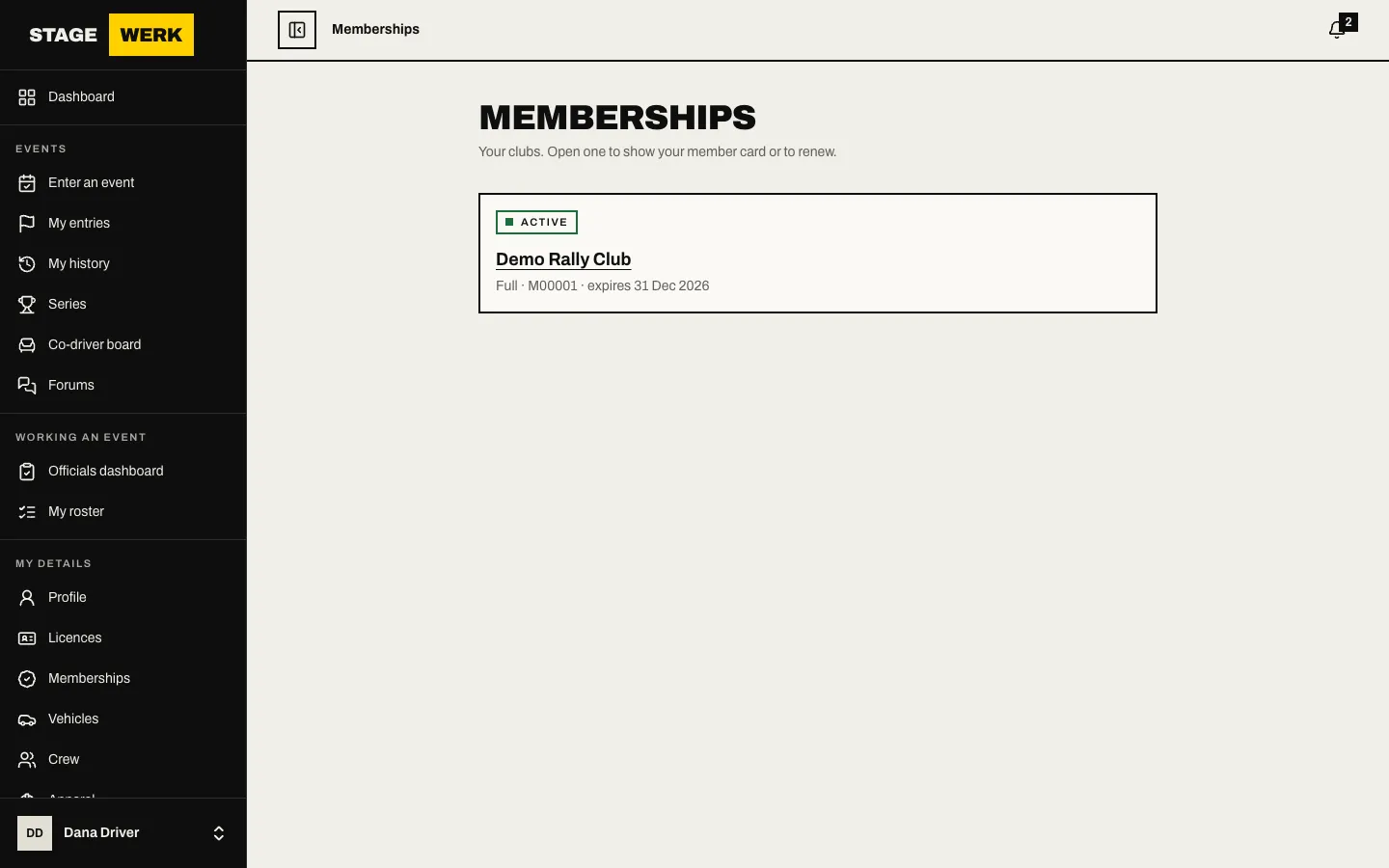
The card shows your member number, type, status and expiry. Under it are your payment history and tax invoices you can download.
Stay current
- Your dashboard's "Expiring soon" panel warns before the membership runs out, and the club can email reminders. See Read the event dashboard and your attention panels.
- Choose "Renew membership" when the renewal window opens.
- A membership that runs out has a short grace period when the member price still applies. After that it lapses and you can join again.
Use it on an entry
When you enter an event of the club, the payment step shows "Members pay less for this entry" when a fee has a member price and you are not yet a member. Once your membership is active the member price applies. If you do not get it, check the membership is for the same club as the event and is active. See Enter an event step by step.
Other things members do
- Volunteer at events: see Volunteer at an event.
- Read the club's forums: see Use the forum.
- If you also run a club, see Manage your members.
https://stagewerk.com/help