Export your data or close your organisation
Both actions live on one page, "Data and closure", and only owners see it. Other members of the organisation cannot open it. See Members and roles.
Export everything
- Choose the organiser in the sidebar, then "Data and closure".
- Under "Export your data", choose "Request an export". If you have a password set, you are asked for it first.
- Wait for the email. The export is built in the background.
- Open the link in the email. It works for 24 hours, so request a new export if it lapses.
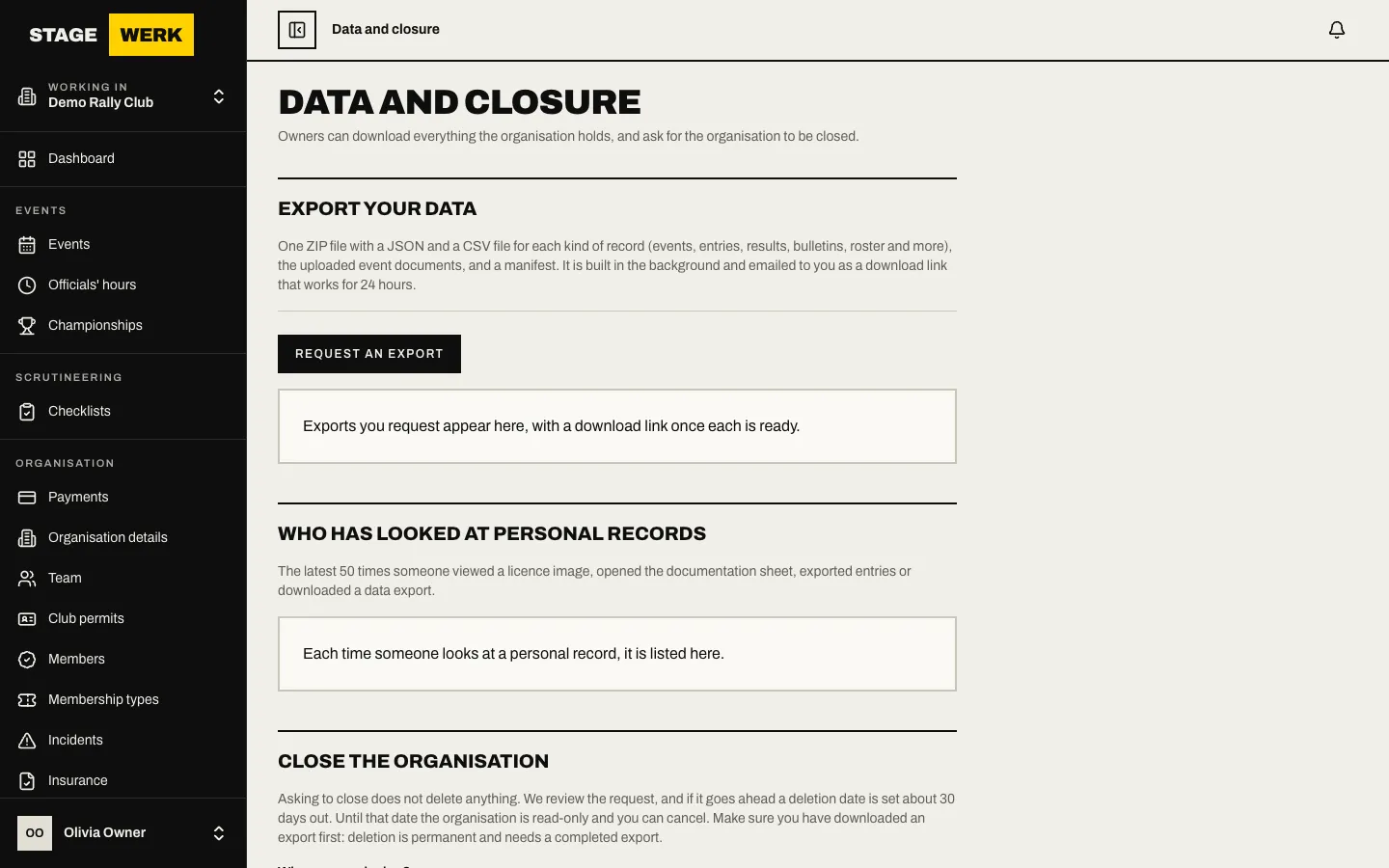
The export is one ZIP file with a JSON and a CSV file for each kind of record (events, entries, results, bulletins, roster and more), the uploaded event documents, and a manifest. Requested exports are listed on the page and show "Being prepared", "Ready" or "Failed". If one fails, request it again.
Each time someone looks at a personal record in your organisation, it is listed under "Who has looked at personal records" on the same page.
Ask to close the organisation
Asking to close does not delete anything.
- On "Data and closure", go to "Close the organisation".
- Download an export first. Deletion is permanent and needs a completed export.
- Enter your reason in "Why are you closing?".
- Type the organisation's name in the confirmation box, "Type the organisation name to confirm".
- Choose "Request closure". You are asked for your password if you have one.
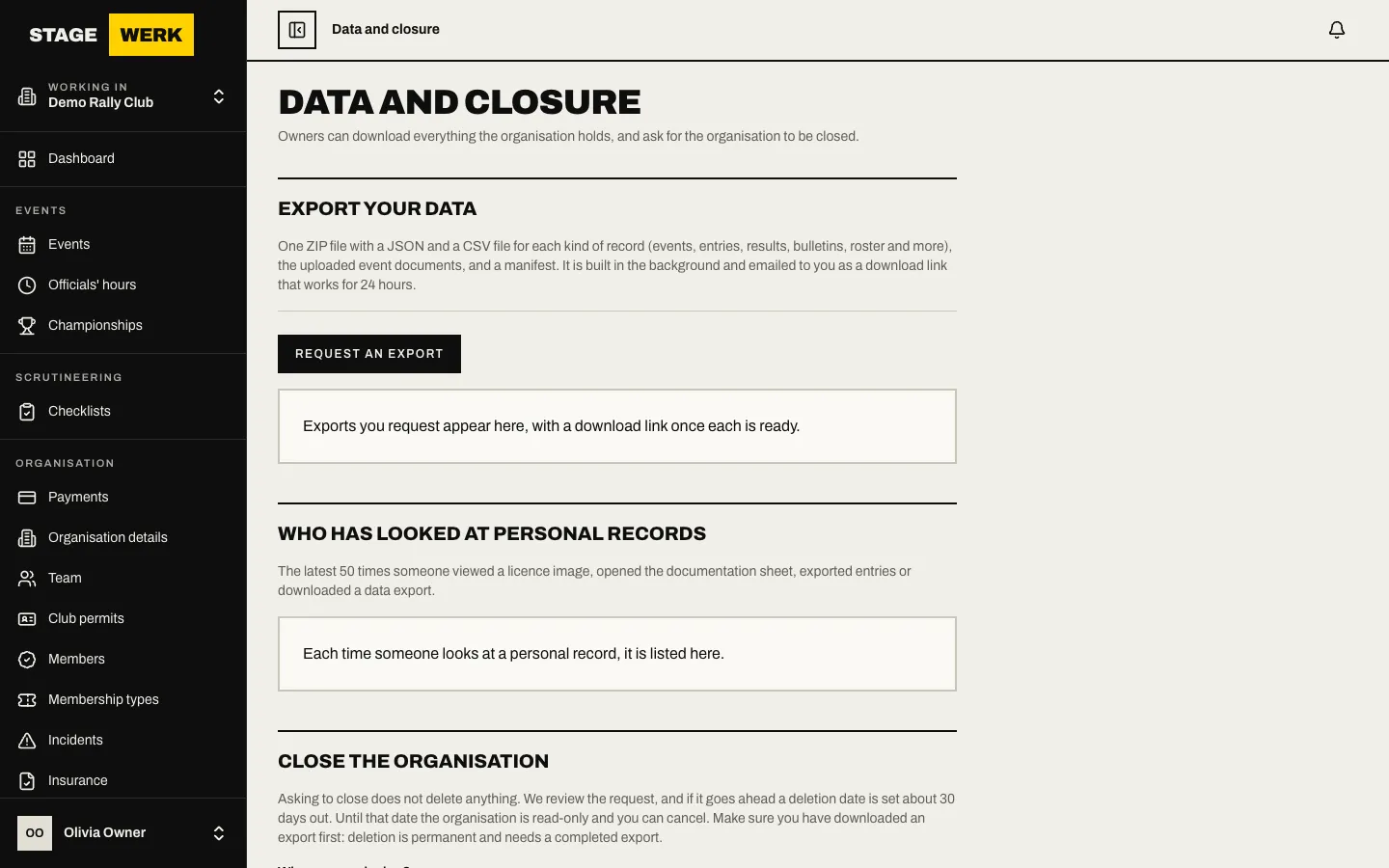
The platform team reviews the request and the owners get an email. If it goes ahead, a deletion date is set about 30 days out (the page shows the exact number). Until that date the organisation is read-only. The page shows where you are: the request waiting to be scheduled, a deletion date, or "The organisation is being deleted".
Change your mind
While the request is waiting or scheduled, choose "Cancel the closure". Once deletion has started, the page says it can no longer be cancelled.
What is deleted and what is kept
Deletion removes the organisation's events, entries, bulletins, roster, documents and the rest of what it holds. The payment ledger and the tax invoices and credit notes issued from it are kept, because they are tax records. The audit log of changes to the organisation's data is kept too, unchanged, for its retention period (seven years by default), and then removed. See Your data for what a person can export or erase for themselves.
Closure is run by the platform team, not automatically: nothing is deleted just because the grace period has passed until they run the deletion.
https://stagewerk.com/help